
Introduction
When your AirPods Pro get wet, it’s important to act quickly to prevent damage. While these earbuds are designed to handle splashes thanks to their IPX4 rating, direct exposure to water can lead to performance issues. This guide will walk you through identifying water damage, effective techniques to eject water, and preventative measures to keep your AirPods Pro in top condition.
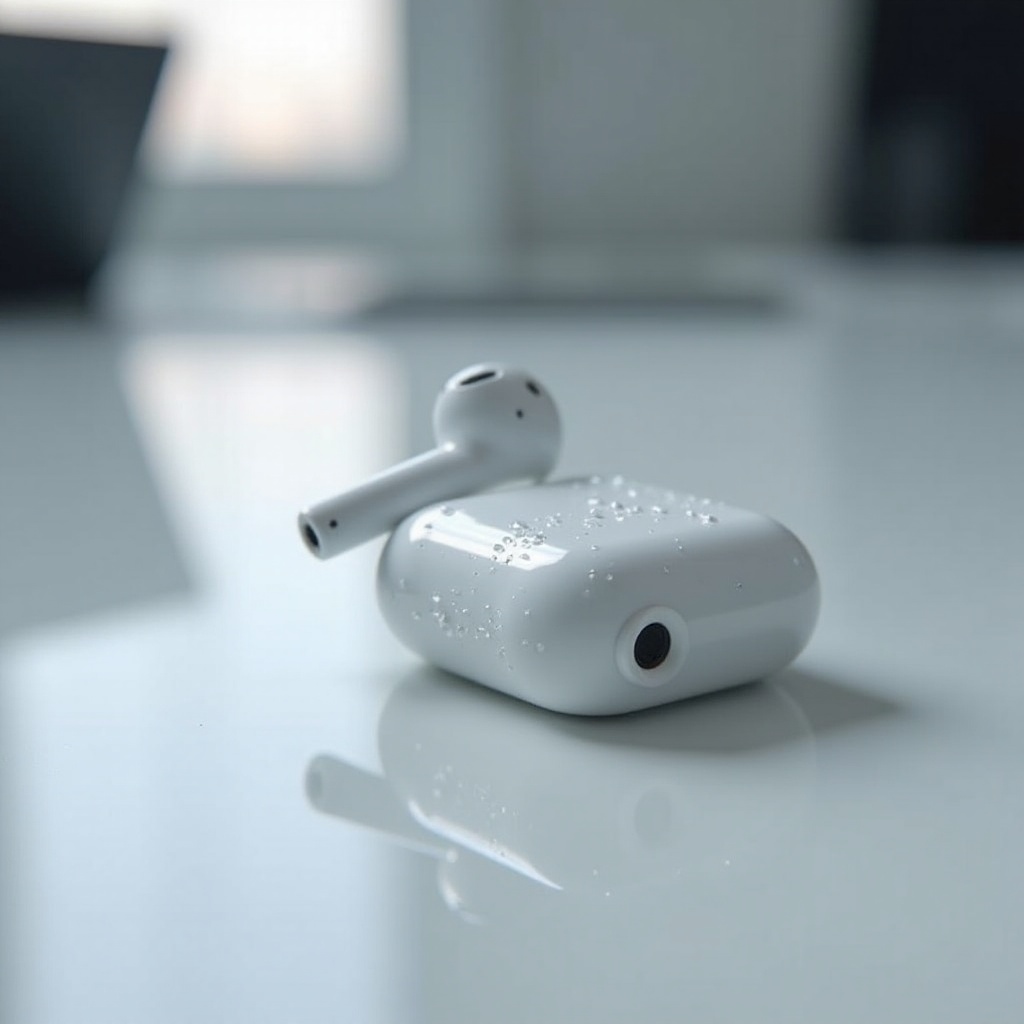
Understanding AirPods Pro Water Resistance
AirPods Pro are equipped with water resistance, not waterproof capabilities. The IPX4 rating means they can withstand splashes, making them suitable for workouts or rainy days. However, submersion, especially prolonged, can lead to serious damage. Knowing the limits of water resistance helps you use your AirPods Pro wisely.
Recognizing this limitation guides us to detect water damage early, preventing further deterioration.
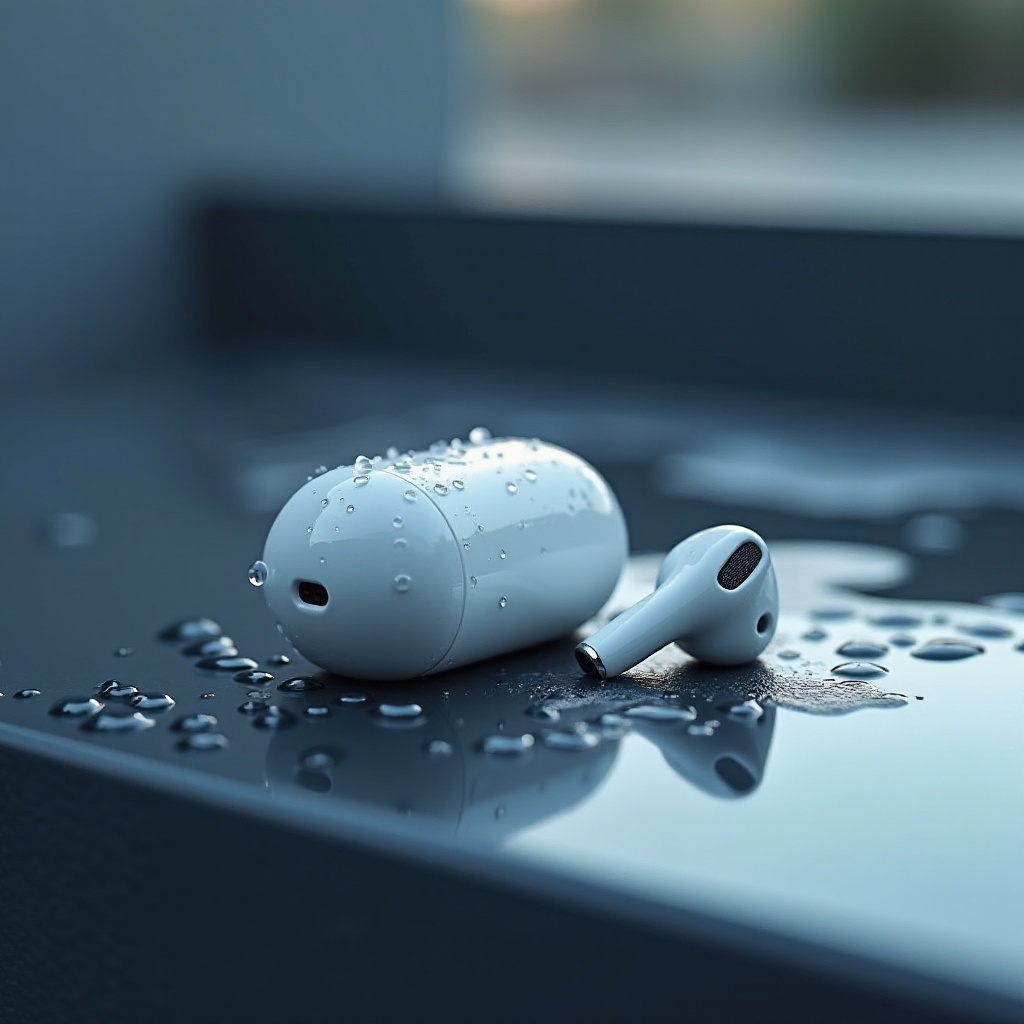
Signs of Water Damage in AirPods Pro
Early detection of water damage is crucial for maintaining the functionality of your AirPods Pro. Watch for these symptoms:
1. Muffled or distorted sound.
2. Issues with sensors like Transparency mode or Active Noise Cancellation.
3. Unexpected shutdown or connectivity failures.
Spotting these issues prompts immediate action and leads us to effective removal techniques.
Step-by-Step Guide to Remove Water
Taking immediate steps can often prevent long-term issues. Here’s how:
1. Quick Actions:
– Remove excess water gently with a microfiber cloth.
– Shake lightly to dislodge any water inside.
2. Using Water Eject Apps:
– Download an app like Sonic to help vibrate water out.
3. Advanced Drying:
– Place AirPods in an airtight container with silica gel to absorb moisture for 24-48 hours.
These steps are essential, but it’s equally important to avoid certain pitfalls during the drying process.
Common Mistakes to Avoid
In the urgency of drying your AirPods Pro, avoid these damaging practices:
– Applying heat, such as dryers or ovens, damages internal components.
– Using compressed air can push water deeper inside.
– Applying cleaning chemicals can corrode materials instantly.
With pitfalls avoided, our focus shifts toward fortifying the defense against water exposure in the first place.
Preventive Measures for Future Protection
While embracing water resistance, further prevent exposure through these tips:
– Proper Care: Store AirPods safely in their case when not utilized.
– Accessories: Consider investing in waterproof cases or covers for extra protection.
By taking these measures, future accidents can be minimized substantially.
Expert Tips for AirPods Pro Care
Regular maintenance ensures longevity and performance. Incorporate these habits:
– Clean regularly with a dry cloth to remove dirt and potential contaminants.
– Download firmware updates to maintain top performance and fix bugs.
– Manage battery by keeping AirPods away from extreme temperatures.
Combining proactive care with preventative steps ensures your AirPods Pro continue to deliver exceptional audio experiences.
Conclusion
Maintaining your AirPods Pro against water damage involves immediate action coupled with ongoing care practices. By understanding the nature of water resistance, addressing potential damage promptly and using expert care tips, you can preserve the quality and longevity of these beloved earbuds.
Frequently Asked Questions
How quickly should I act if my AirPods Pro get wet?
Immediate action is crucial; the faster you dry them, the lesser the risk for lasting damage.
Can I use heat to dry my AirPods Pro?
Avoid using heat sources like hair dryers, which can damage sensitive electronic parts.
Are AirPods Pro water-resistant or waterproof?
AirPods Pro are water-resistant with an IPX4 rating, meaning they’re protected from splashes, not underwater immersion.